Choosing a boundary
Why Screen-Time Limits Don't Work for Everyone
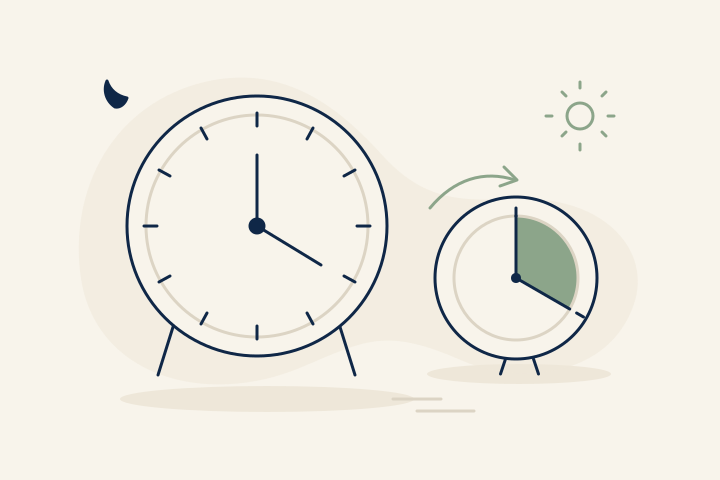
If you keep extending a screen-time limit, the rule may not fit the activity. A daily cap is useful when you want a smaller daily total. A schedule can protect a particular part of the day. A session gives one visit a stopping point. Start by choosing which problem you want to solve.
Watching a recipe at lunch and a documentary at night might use the same app. A single number can't tell you which of those visits you wanted—or whether the extra half-hour of browsing afterward was the part that bothered you.
What a daily limit does well
A daily allowance is a straightforward rule: this much time in this app today. If that matches your goal and the limit rarely interrupts something you value, there's no reason to replace it.
On supported Android phones, Google's app timers live under Settings → Digital Wellbeing → App timers. Pick an app and its allowance. Google says the app closes when time runs out and timers reset at midnight. Availability and menu names can vary by device.
The useful question is whether the allowance matches your day. A short cap on a news app might suit you. The same cap on an app you use for both tutorials and films might need more thought.
Name the mismatch before changing the number
Think about the last time you overrode a limit. Were you finishing something you had chosen, or did you want to keep going without deciding what to do next? Those are different reasons to change a setting.
If the problem is checking apps during dinner, a smaller daily total won't necessarily protect dinner. If the problem is staying up after a film, a rule that starts hours earlier may interrupt the film and still leave the ending undecided.
Choose a concrete aim such as “keep dinner clear” or “finish after this episode.” That gives you a reason for the rule, and a way to tell whether it's doing what you wanted.
Try a schedule or a session
A schedule reserves a stretch of the day. A session begins when you choose to use an app. You can try either idea without installing anything: leave the phone elsewhere during dinner, or set a reminder before starting a game.
For an elapsed-time session, be clear about the clock. A 30-minute window starting at 7:00 ends at 7:30, including the ten minutes you spent making tea. It isn't the same as counting only time with the app on screen.
At the end, decide whether you're finished. If you choose more time, give the next session a purpose too. The point isn't to invent a rule you can never change; it's to notice the choice before another session begins.
Keep the rule that earns its place
Try one change for a few ordinary days. If it keeps interrupting necessary messages, loosen it. If you always dismiss the reminder without reading it, change when or where you use the phone instead. You don't need a complicated system to learn which boundary suits you.
Long entertainment isn't automatically the problem. An hour of gaming you looked forward to can be exactly what you wanted. Judge the setup by whether it supports your choices, not whether every day produces a smaller number.
The session approach we're building
Zomok is in development for Android. Planned Pro blocking offers Always or Scheduled, with one global unlock method: Quick or PIN. PIN is designed for per-app sessions of 30 minutes by default, with 30/60/90/120/150-minute settings, no waiting countdown, and no daily quota. Each new session requires the PIN. Automatic reblocking is planned at elapsed-time expiry when blocking is active, regardless of foreground use. Device behavior still needs validation before release.